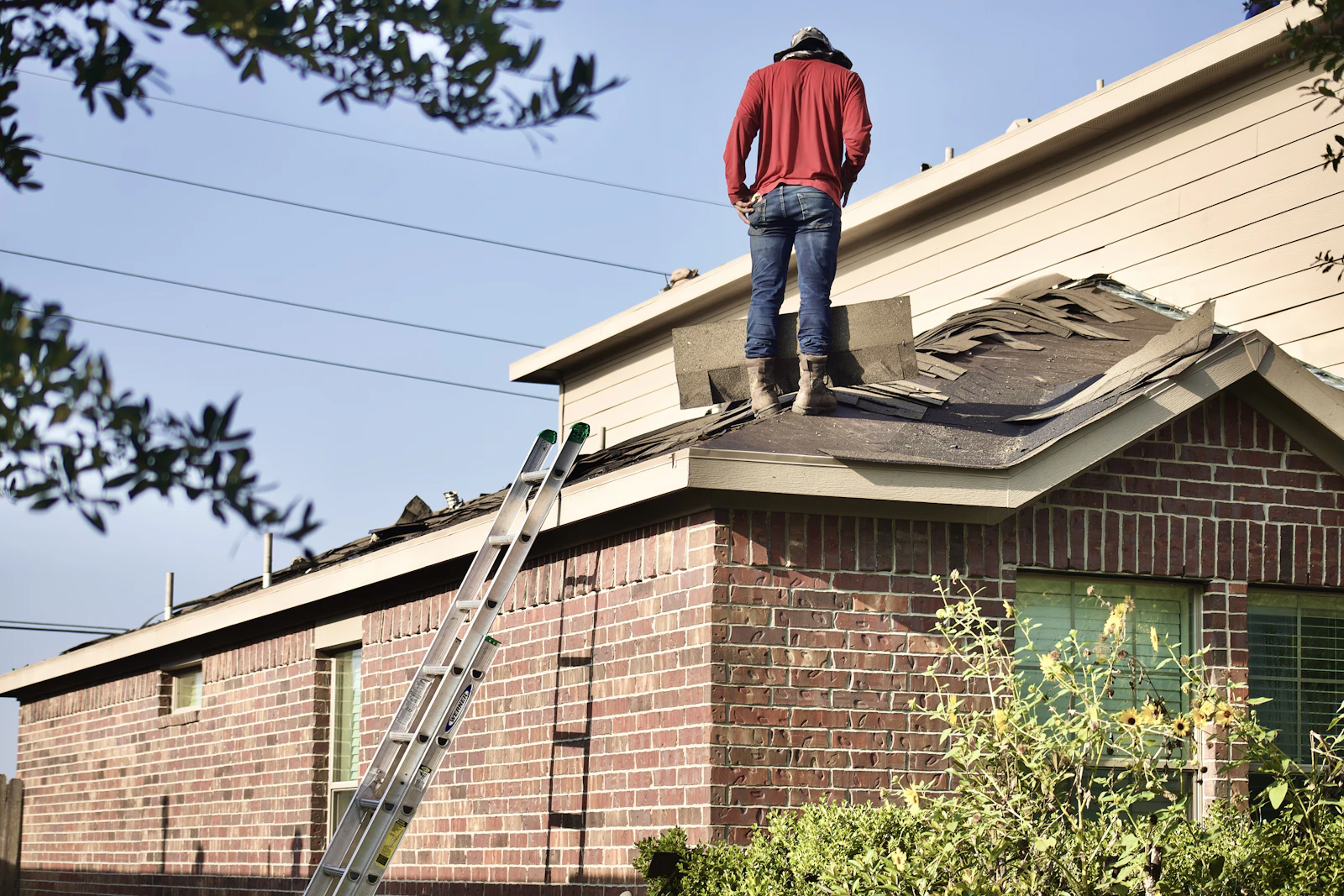
How to write a service page that gets the call
A good service page answers the questions a customer would ask on the phone — before they call. A simple outline that works for nearly every trade.
2 min read
A single "Services" page with a bulleted list is how most small business websites start. It's also why many of them don't show up when someone searches for the specific job they need done.
People don't search for "services." They search for "water heater replacement," "spring cleanup," or "panel upgrade near me." A dedicated page for each of your main services gives those searches somewhere to land.
The outline
You don't need to be a writer. Answer these in order, in your own words:
- What is it? One or two sentences, in the words your customers use. "We replace tank and tankless water heaters, usually the same day."
- Who is it for? Homeowners, landlords, restaurants? Old houses, new builds?
- Signs you need it. "Rusty water, a puddle under the tank, or no hot water after ten minutes." This is the part customers recognize themselves in.
- How it works. What happens from the first call to the job being done. Short steps, plain language.
- What it costs — roughly. Even a range or "free estimates" beats silence. Customers who see no price at all often assume it's expensive.
- Where you do it. Name the towns.
- Proof. A photo of a finished job and one short review that mentions this service.
- The next step. A button to call or request an estimate.
Length
Three to six short paragraphs is plenty. Long pages full of keywords read like they were written for robots, and customers can tell.
Photos
Use your own. A slightly imperfect photo of your crew on an actual job builds more trust than a polished stock image of a model holding a wrench.
How we help
If you send us notes — even a voice-memo transcript or a few bullet points — we'll turn them into a clean page that matches the rest of your site and send you a preview. Many customers add one new service page a month this way, and it adds up.
Want this handled for you?
Flagstage customers send changes like these in one message and approve a preview before anything goes live.